Designing Mobile Tools for Real Teams
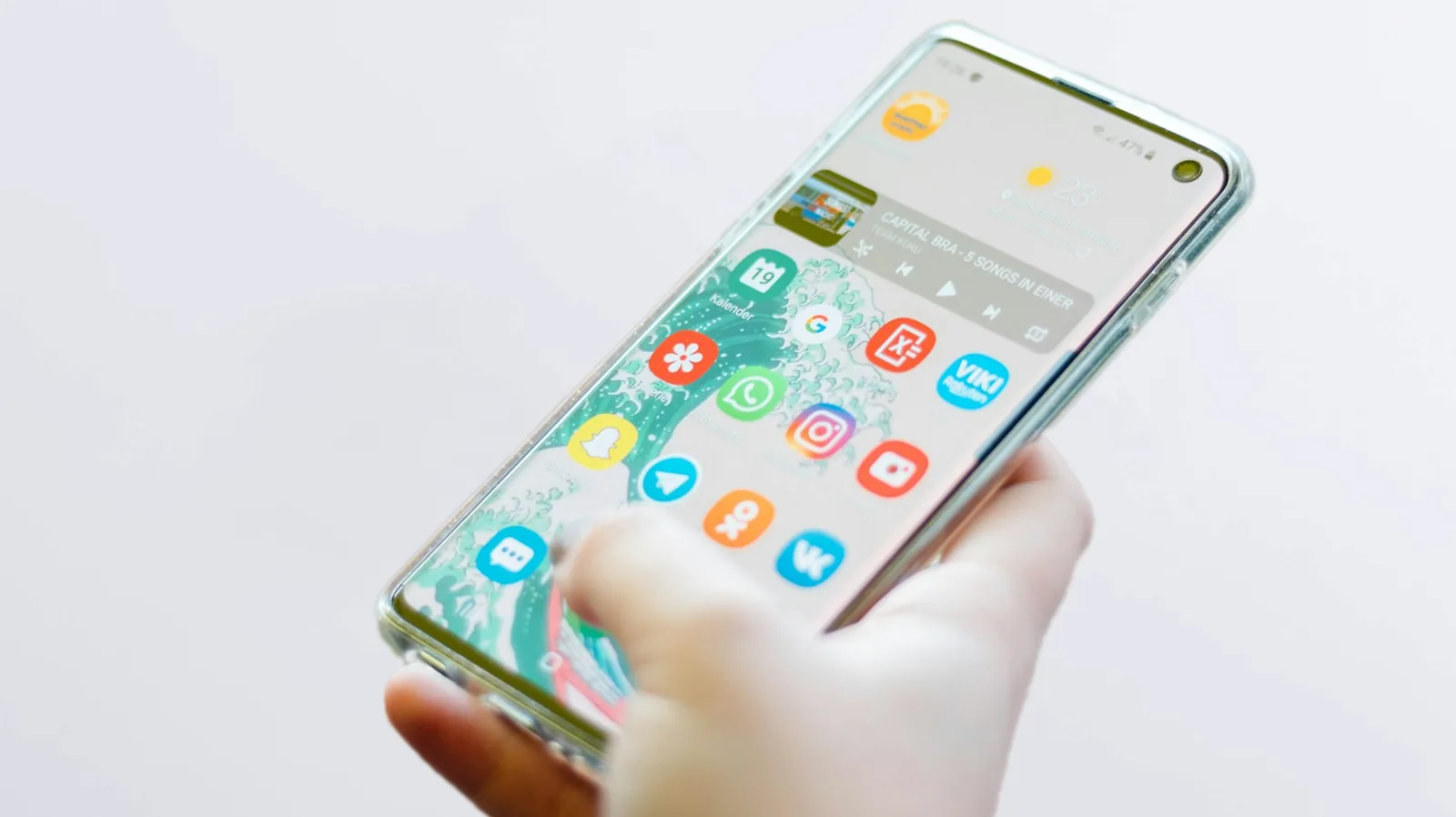
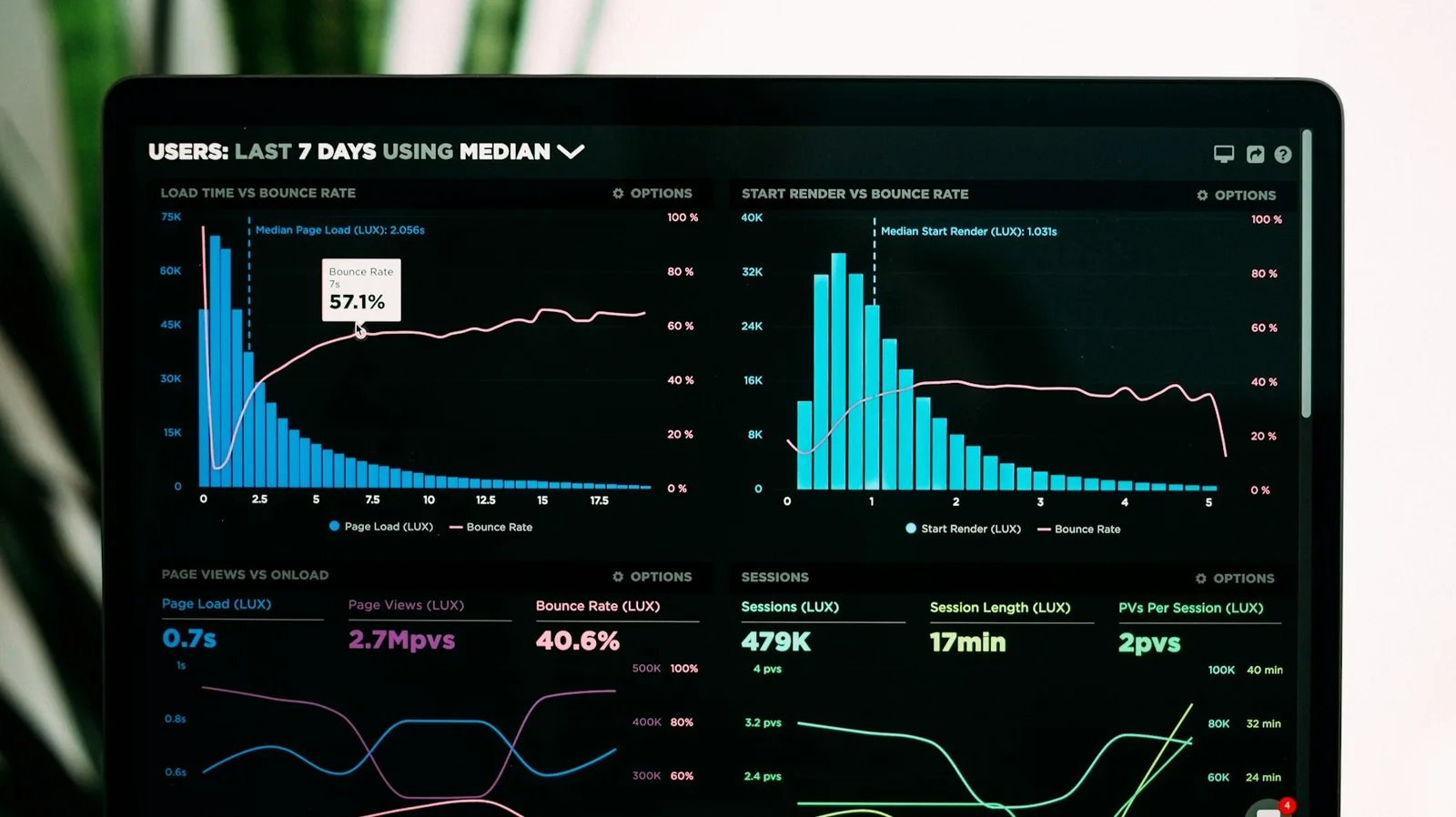
A field officer standing outside in bright sun with one bar of signal and an office manager at a desk with a large screen are using the same system. Designing well for both is harder than it sounds, and it is where most internal mobile tools fall down.
Design for the worst conditions, not the demo
Mobile tools are usually demonstrated on a new device with strong office wifi. They are used on older phones, on mobile data, sometimes with a cracked screen and one free hand.
That reality should shape the design: large tap targets, minimal typing, tolerance for a dropped connection, and clear feedback about whether something actually saved.
Offline is a workflow decision
Offline capability is often discussed as a technical feature. It is really a question about the work: can this task be completed without a connection, and what should happen if two people edit the same record before syncing.
Answering that at the design stage avoids a class of confusing bugs that are painful to retrofit later.
One system, two honest experiences
Trying to give field staff and office staff an identical interface usually serves neither well. The better approach is one shared source of data with views tailored to each context.
Field users get a short, focused capture flow. Office users get the fuller picture, the history, and the reporting. Same records, different priorities.