UI/UX Design
Interfaces that make complicated work feel simple
Clear product strategy, interface systems, and user journeys that make digital services feel easy and professional.
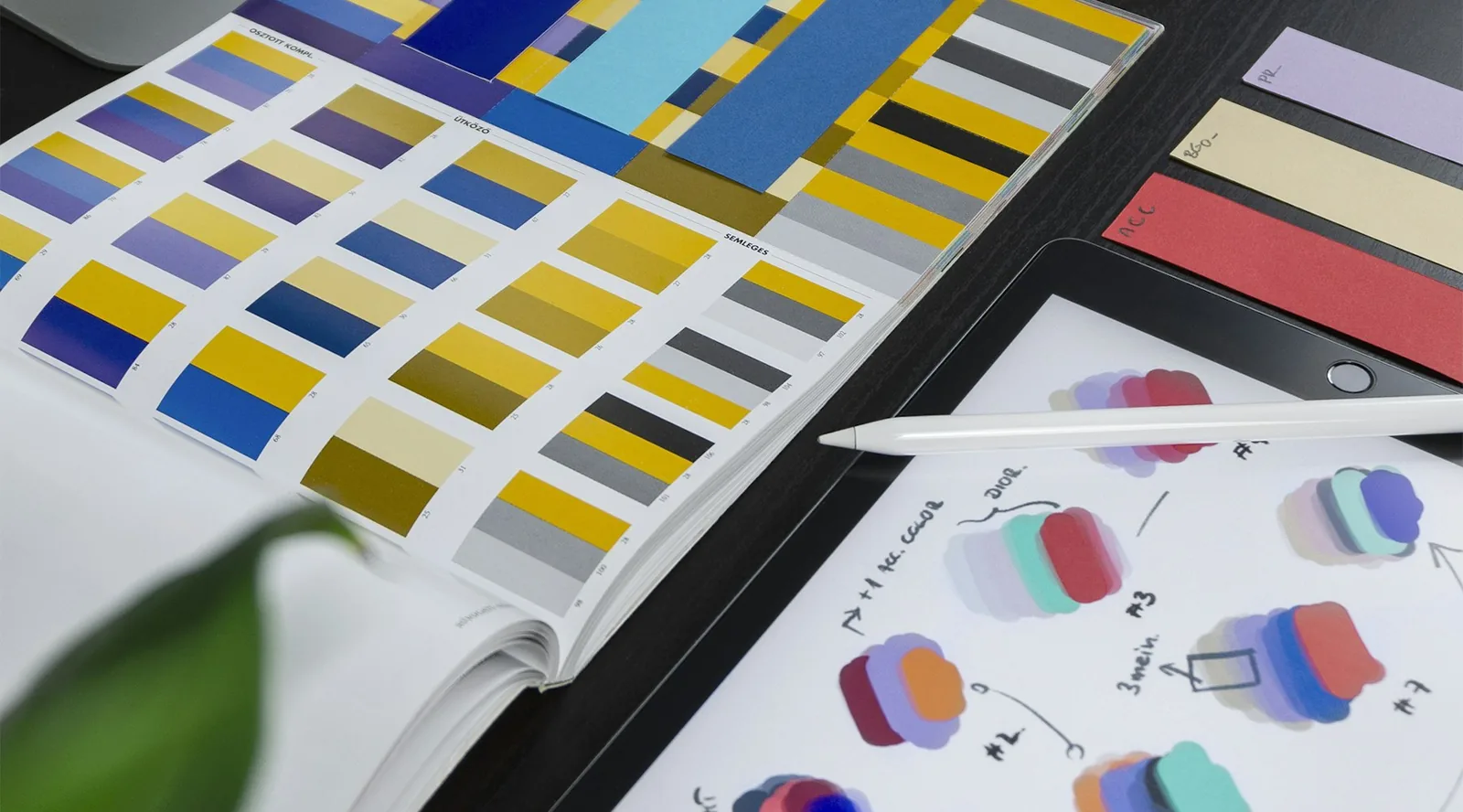
Good design is not decoration. It is the difference between staff who need training for every task and staff who understand a screen the moment they open it. We turn complex workflows into interfaces that feel obvious.
We work through wireframes and clickable prototypes first, so decisions get made while they are still cheap to change.
What you get
- +Wireframes
- +Design systems
- +Clickable prototypes
Results you should expect
- Shorter onboarding time for new staff
- Fewer support requests caused by confusing screens
- A design system that keeps future features consistent
- Prototypes you can test with real users before development
A delivery process you can follow from start to launch
- Step 1
Discovery
We start by understanding your business, your team, and the workflow you already rely on before proposing anything technical.
- Step 2
Design
We map the structure, screens, and journeys so everyone can see the shape of the solution before development begins.
- Step 3
Build
We develop in reviewable stages, so you see working progress early instead of waiting until the very end.
- Step 4
Launch and support
We handle deployment, train your team, and stay available for adjustments once the solution meets real users.
Common questions about ui/ux design
Can you improve an existing product without a full rebuild?
Often, yes. We review the current experience, identify the highest-friction points, and propose targeted changes that fit your existing build.
Do you test designs with real users?
Where the project allows it, yes. A clickable prototype in front of five real users usually reveals more than weeks of internal debate.
Other services
Web Development
We design and build websites that present your business clearly, convert visitors into inquiries, and feel strong across mobile and desktop.
Read moreMobile App Development
From staff tools to customer apps, we create mobile experiences that are practical, reliable, and easy to scale.
Read moreCustom Business Systems
We replace manual spreadsheets and fragmented tools with systems shaped around the way your team actually works.
Read more